


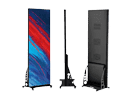




LED Screens for School: Enhancing Education and Communication
LED screens have become an essential tool in modern schools, transforming how educators deliver lessons and how schools communicate with students, parents, and staff. Whether used in classrooms, auditoriums, or outdoor spaces, LED screens provide vibrant, dynamic visuals that enhance learning and engagement.
This guide explores the benefits, applications, types, and pricing of LED screens for schools, helping you determine the best solution for your institution.
Why Schools Need LED Screens
1. Improved Learning Experience
LED screens provide bright, clear visuals that capture students’ attention. They support multimedia content such as videos, animations, and presentations, making lessons more engaging and interactive.
2. Enhanced Communication
Schools can use LED screens as digital noticeboards to share announcements, schedules, or emergency alerts with students, staff, and visitors.
3. Versatile Applications
From classroom smart boards to auditorium displays and outdoor signage, LED screens can adapt to various needs within a school environment.
4. Cost-Effective in the Long Run
While the initial investment may seem high, LED screens are durable and energy-efficient, requiring minimal maintenance compared to traditional projectors or printed signage.
5. Accessibility Support
LED screens make it easier to display subtitles, sign language videos, or enlarged text, ensuring accessibility for students with disabilities.
Applications of LED Screens in Schools
1. Classrooms
- Interactive Teaching Tools: Interactive LED boards replace traditional whiteboards, allowing teachers to write, draw, and present multimedia content.
- Clear Visuals: High-resolution displays ensure every student, even at the back of the classroom, can see clearly.
2. Auditoriums
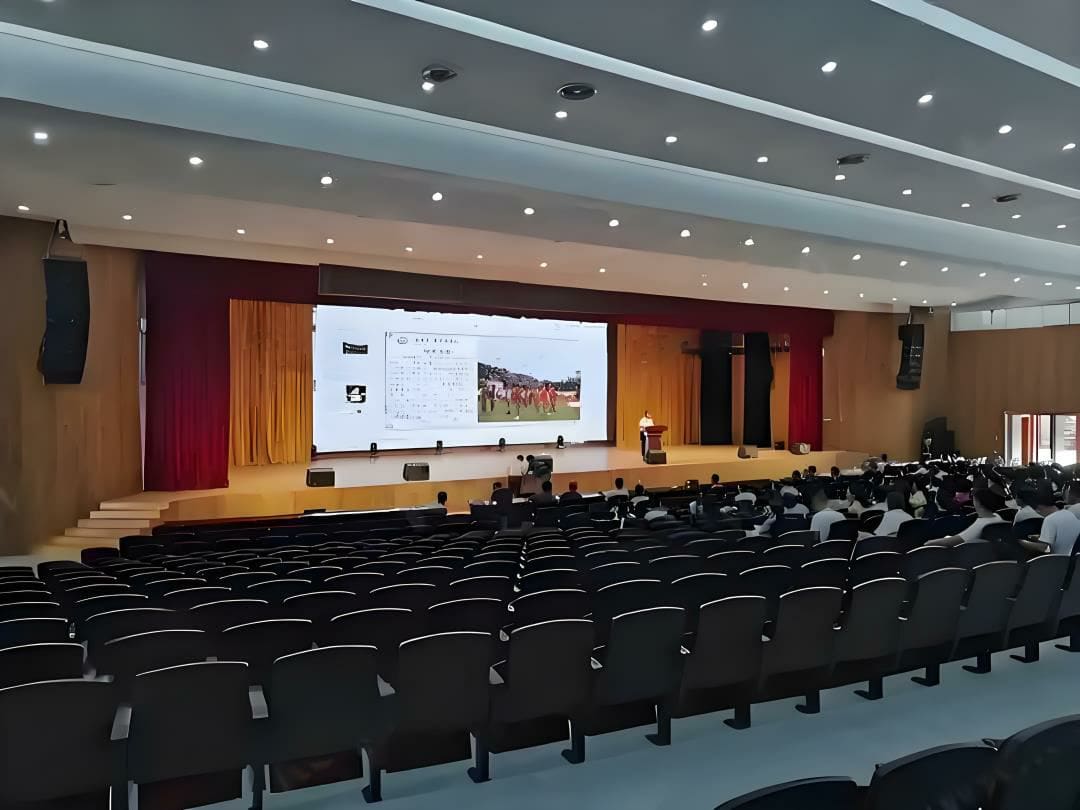
- Presentations and Events: LED walls in auditoriums are perfect for presentations, school assemblies, or theater performances.
- Live Feeds: During major events like graduation ceremonies, LED screens can display live video feeds to ensure visibility for large audiences.
3. Outdoor Areas
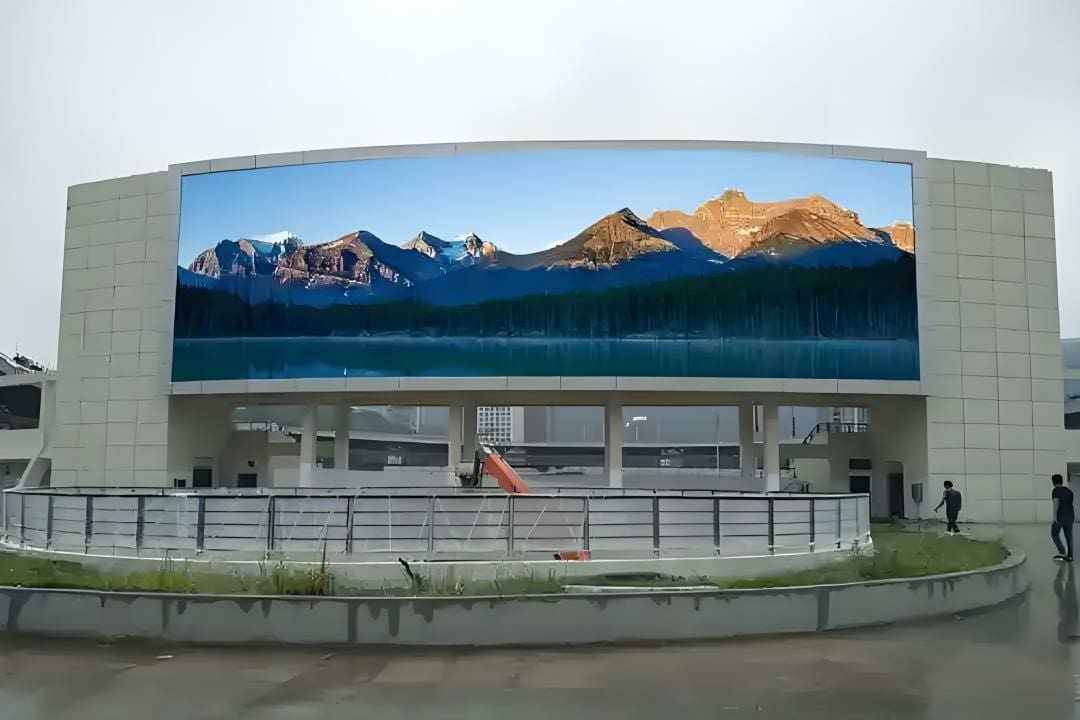
- School Entrances: Outdoor LED screens can serve as digital signboards to display announcements, welcome messages for visitors, or event schedules.
- Sports Fields: Large outdoor LED screens can display scores, live game feeds, or advertisements during sports events.
4. Hallways and Cafeterias
- Digital Noticeboards: LED screens in common areas can share daily schedules, lunch menus, or motivational quotes.
- Event Promotions: Promote upcoming school events, such as science fairs or sports days, with eye-catching visuals.
5. Libraries
- Interactive Learning Stations: Use LED screens to create interactive kiosks for book searches, online resources, or educational games.
- Quiet Announcements: Display library rules, schedules, or updates without disrupting the environment.
Benefits of Using LED Screens in Schools
1. Durability and Longevity
LED screens are designed to last for 50,000–100,000 hours, making them a reliable investment for schools.
2. Energy Efficiency
Compared to older technologies like projectors, LED screens consume less electricity, reducing energy bills over time.
3. Low Maintenance
LED screens require minimal maintenance, unlike projectors that need frequent bulb replacements or traditional noticeboards that require constant updates.
4. Customization
Screens can display dynamic and customizable content, adapting to the specific needs of the school, whether for education or communication.
5. Eco-Friendly
By replacing printed posters and paper-based notices, LED screens help schools reduce waste and promote sustainability.
Types of LED Screens for Schools
1. Indoor LED Screens
- Best For: Classrooms, libraries, auditoriums, and hallways.
- Key Features: High resolution (P1.2–P3), moderate brightness, and lightweight panels.
2. Outdoor LED Screens
- Best For: School entrances, sports fields, and parking lots.
- Key Features: High brightness (5,000–10,000 nits), weatherproof construction (IP65+), and durable materials to withstand outdoor conditions.
3. Interactive LED Boards
- Best For: Classrooms and training rooms.
- Key Features: Touchscreen capabilities, integration with teaching software, and real-time annotation tools.
4. Digital Signage Screens
- Best For: Hallways, cafeterias, and reception areas.
- Key Features: Easy-to-update content management systems (CMS) for announcements and schedules.
Cost of LED Screens for Schools
The cost of an LED screen for schools depends on factors like screen size, resolution, and application. Here’s a general price breakdown:
| Screen Type | Pixel Pitch | Size (Example) | Price Range (USD) | Best For |
|---|---|---|---|---|
| Interactive LED Boards | P1.2–P2 | 75″–100″ | $4,000–$7,000 | Classrooms, training rooms. |
| Indoor LED Screens | P1.5–P3 | 2m x 2m | $12,000–$24,000 | Auditoriums, libraries. |
| Outdoor LED Screens | P3–P6 | 5m x 3m | $50,000–$100,000 | Entrances, sports fields. |
| Digital Signage Screens | P2–P4 | 1m x 2m | $5,000–$10,000 | Hallways, cafeterias, receptions. |
| Large Auditorium Walls | P2–P3 | 10m x 5m | $150,000–$300,000 | Assemblies, events, large venues. |
Additional Costs to Consider
1. Installation
- Indoor Screens: $500–$1,500 depending on complexity.
- Outdoor Screens: $1,500–$5,000 due to structural and weatherproofing requirements.
2. Content Management System (CMS)
- Schools may need a CMS to manage digital content across multiple screens. Costs range from $500–$2,000, depending on features.
3. Maintenance
- Annual maintenance costs are typically 5–10% of the screen’s purchase price.
4. Training
- Schools may need to train staff to use interactive LED boards or manage content systems, adding an upfront cost.
Tips for Choosing the Right LED Screen for Your School
-
Define the Purpose
- Is the screen for teaching, announcements, or event use? This determines the type (interactive board, outdoor screen, etc.).
-
Choose the Right Resolution
- For classrooms or auditoriums, select a high-resolution screen (P1.2–P3) for clear visuals. For outdoor applications, P4–P6 is sufficient.
-
Consider Brightness
- Indoor screens require 800–1,500 nits, while outdoor screens need 5,000–10,000 nits for visibility in sunlight.
-
Think Long-Term
- Invest in durable, energy-efficient screens to reduce maintenance and operational costs over time.
-
Budget for Accessories
- Include costs for mounting brackets, CMS software, and installation services in your budget.


