






Tile LED Screen
REISSISPLAY rental LED tile screens are powerful solutions for enhancing large-scale interactive events. Ideal for use in amusement parks and similar venues, these screens facilitate dynamic interactions and elevate the overall atmosphere. Featuring quick installation, versatile functionality, and captivating visual effects, REISSISPLAY LED tile screens are the perfect choice for creating unforgettable experiences and ensuring the success of any event.
Tile LED Screen - RDF Series Models
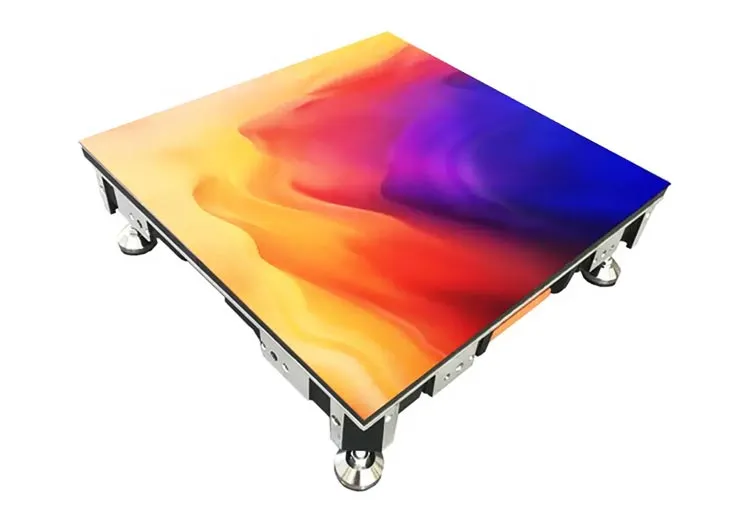 View details – RDF-A Series
RDF-A Series
REISSDISPLAY LED Floor Tiles are durable, waterproof, and support up to 2000kg/m². With vibrant visuals and touch interactivity, they're ideal for events, retail, and public spaces. Easy to install and maintain.
RDF Series Features
Tile floor LED screen is a modular display system designed for installation on floors, composed of individual LED tiles that seamlessly connect to create large, durable, and interactive surfaces. Engineered to withstand foot traffic and provide high-resolution visuals, tile floor LED screens are ideal for use in exhibitions, retail spaces, stage productions, and entertainment venues. Their modular design allows for flexible layouts and engaging effects, making them perfect for creating immersive, interactive environments.
-
High Resolution
-
High Refresh Rate
-
Modular Structure
-
Pressure Resistance
-
Waterproof Sealing
-
Anti-Slip Surface
-
Low Power Consumption
-
Fast Response
Feature Description
-
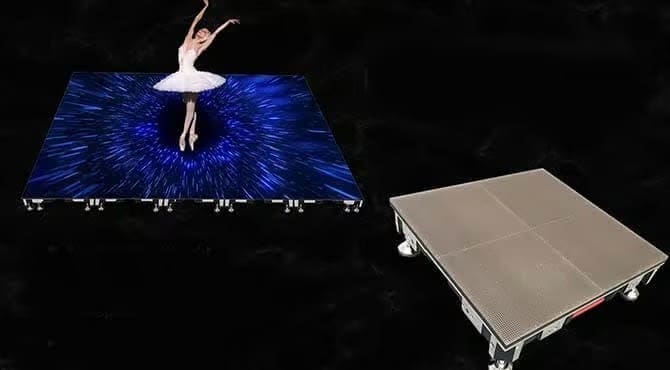
Professional face mask
-
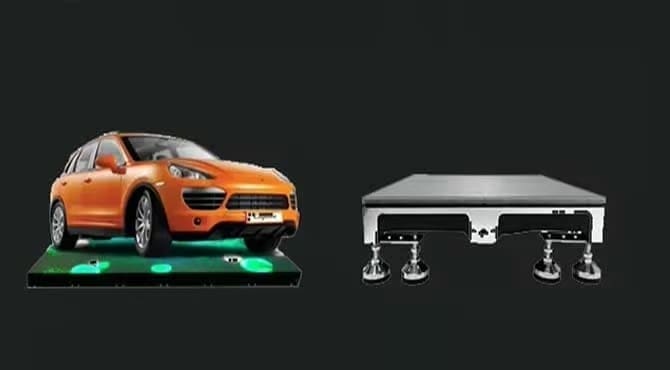
Load capacity 3000KG
-
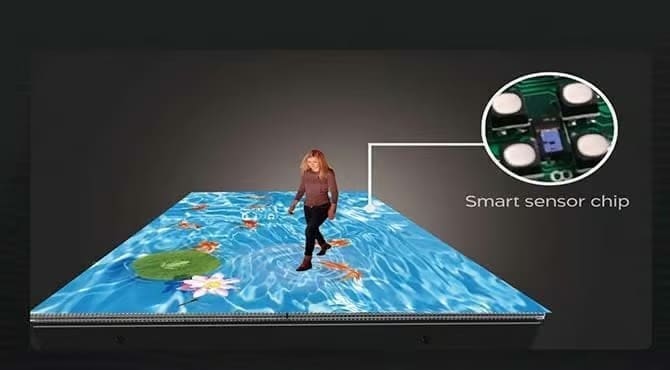
Interactive sensing function
-
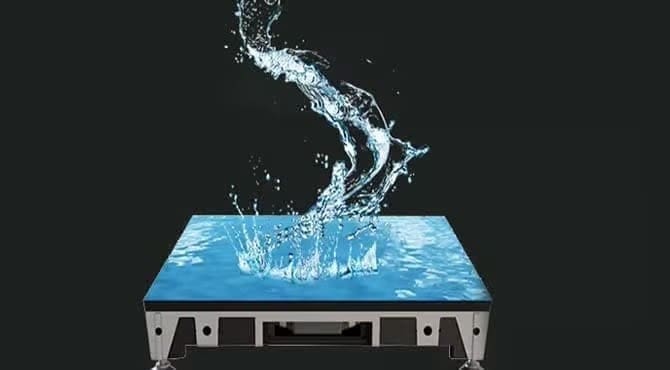
Fully waterproof IP68
-
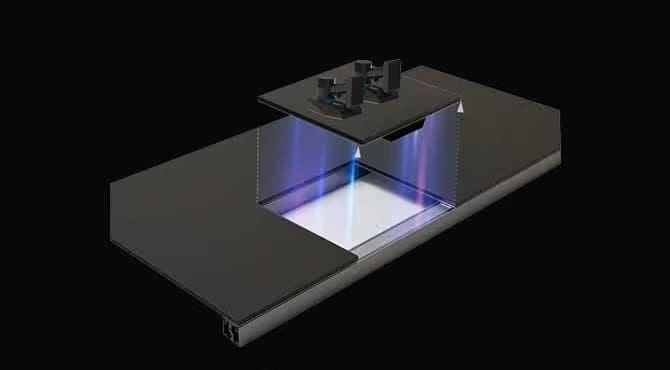
Front maintenance
-

APP control
Various panel sizes and weights
-
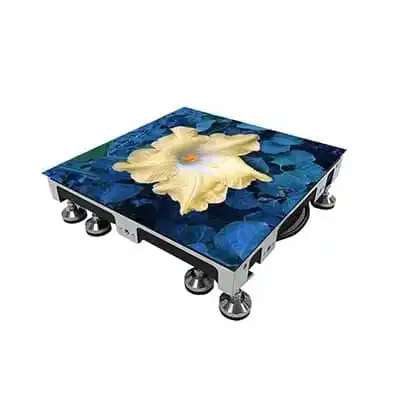
500*500mm ≤9.5kg/㎡
-
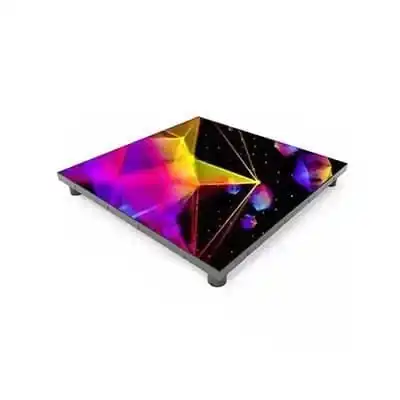
500mm*500mm 8.5kg/㎡
-
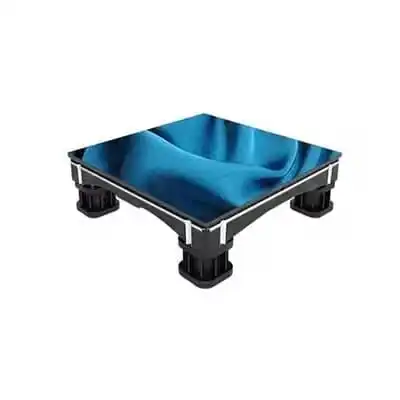
500mm*500mm 9.5kg
Specifications
| Pixel Pitch (mm) | 2.604 | 2.976 | 3.91 | 4.81 |
|---|---|---|---|---|
| Operating Environment | Indoor&Outdoor | Indoor&Outdoor | Indoor&Outdoor | Indoor&Outdoor |
| Module Size (mm) | 250*250 | 250*250 | 250*250 | 250*250 |
| Cabinet Size (mm) | 500*500*73 | 500*500*73 | 500*500*73 | 500*500*73 |
| Cabinet Resolution (W×H) | 192*192 | 168*168 | 128*128 | 104*104 |
| IP Grade | Front IP65 Rear IP54 | Front IP65 Rear IP65 | Front IP65 Rear IP54 | Front IP65 Rear IP65 |
| Weight (kg/cabinet) | 7.5/12.5 | 7.5/12.5 | 7.5/12.5 | 7.5/12.5 |
| White Balance Brightness (nit) | 800-5500 | 800-5500 | 800-5500 | 800-5500 |
| Horizontal / Vertical Viewing Angle | 165/165 | 160/160 | 160/160 | 160/160 |
| Power Consumption(W/㎡) | 150-450±15% | 150-450±15% | 150-450±15% | 150-450±15% |
| Refresh Rate(Hz) | ≥7680 | ≥7680 | ≥7680 | ≥7680 |
| Control System | Nova | Nova | Nova | Nova |
| Certification | CE, FCC, ETL | CE, FCC, ETL | CE, FCC, ETL | CE, FCC, ETL |
Installation and Application Video
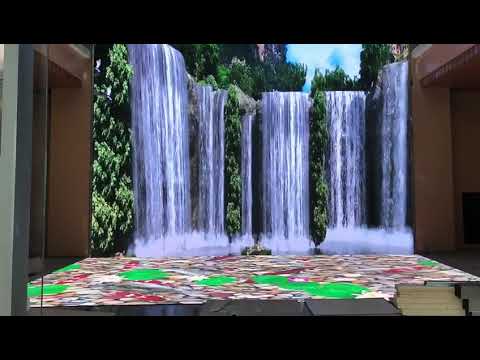
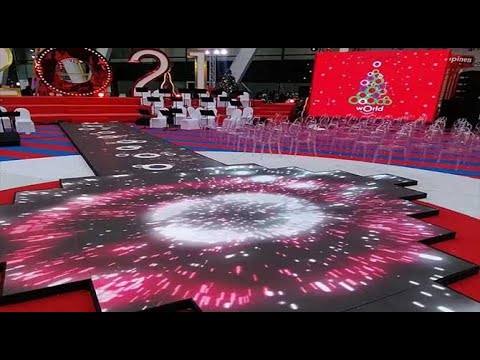
Floor Tile LED Screen Solutions From the Factory
Floor tile LED screens are innovative display solutions engineered for ground installation, offering dynamic and interactive visual experiences across a range of applications. Factory-direct solutions provide the advantages of high-quality manufacturing, tailored customization, and competitive pricing. Here’s what you can expect from factory solutions for floor tile LED screens:
- Customization: Options for size, shape, pixel pitch, and load-bearing capacity to suit specific project requirements.
- Durability: Robust materials designed to withstand heavy foot traffic and ensure long-term performance.
- High Visual Quality: Bright, high-resolution displays for captivating and immersive effects.
- Easy Installation and Maintenance: Modular design for quick setup, seamless connection, and straightforward maintenance.
- Interactive Features: Support for touch and motion sensing, enabling engaging and interactive experiences.
- Reliable Support: Direct factory service ensures consistent quality control, technical support, and efficient after-sales service.
How to choose the most cost-effective floor tile LED display screen
Selecting the most cost-effective floor tile LED display screen involves balancing quality, performance, and price. Here are key steps to help you make a wise investment:
- Define Your Requirements
- Determine the screen size, shape, and resolution based on your venue and application.
- Consider whether you need interactive features like touch or motion sensing.
- Assess Durability and Reliability
- Check the load-bearing capacity to ensure the screen can withstand expected foot traffic.
- Review the failure rate and lifespan of the product. Opt for screens with proven durability and low maintenance needs.
- Evaluate Visual Performance
- Choose the appropriate pixel pitch for your viewing distance and content clarity.
- Assess brightness, color uniformity, and refresh rate for optimal visual impact.
- Compare Total Cost of Ownership
- Look beyond the initial purchase price—factor in installation, maintenance, and operational costs.
- Ask about warranty and after-sales support to minimize future expenses.
- Customization and Flexibility
- Select a manufacturer or supplier that offers customization to fit your specific project needs.
- Modular systems can be more cost-effective for future expansion or reconfiguration.
- Check Certifications and References
- Ensure the product meets relevant safety and quality standards.
- Request case studies or references to verify real-world performance.

LED display user guide
LED display common FAQ
-
Discover how LED displays function, offering high energy efficiency and low consumption for commercial use.
-
Choosing an outdoor LED Screen requires careful consideration of the specific installation environment, along with the technical specifications, durability, and adaptability of the display
-
With the advancement of technology and changing market demands, transparent LED display screen are becoming the preferred choice across various industries. In retail, advertising, public spaces, and commercial buildings, transparent LED screen offer unique visual effects and high adaptability, making them a standard for modern displays. So, which transparent LED…
-
How to Clean an LED Screen? Cleaning an LED screen is relatively easy, but you do need to take a few precautions to avoid harming your electronics. Start by finding the right cloths and cleaners, and then gently wipe down your screen, starting with a dry cloth. Also, make sure…
